
Market Orders
Standard market orders execute at the current market price through aggregated routing across multiple DEXs.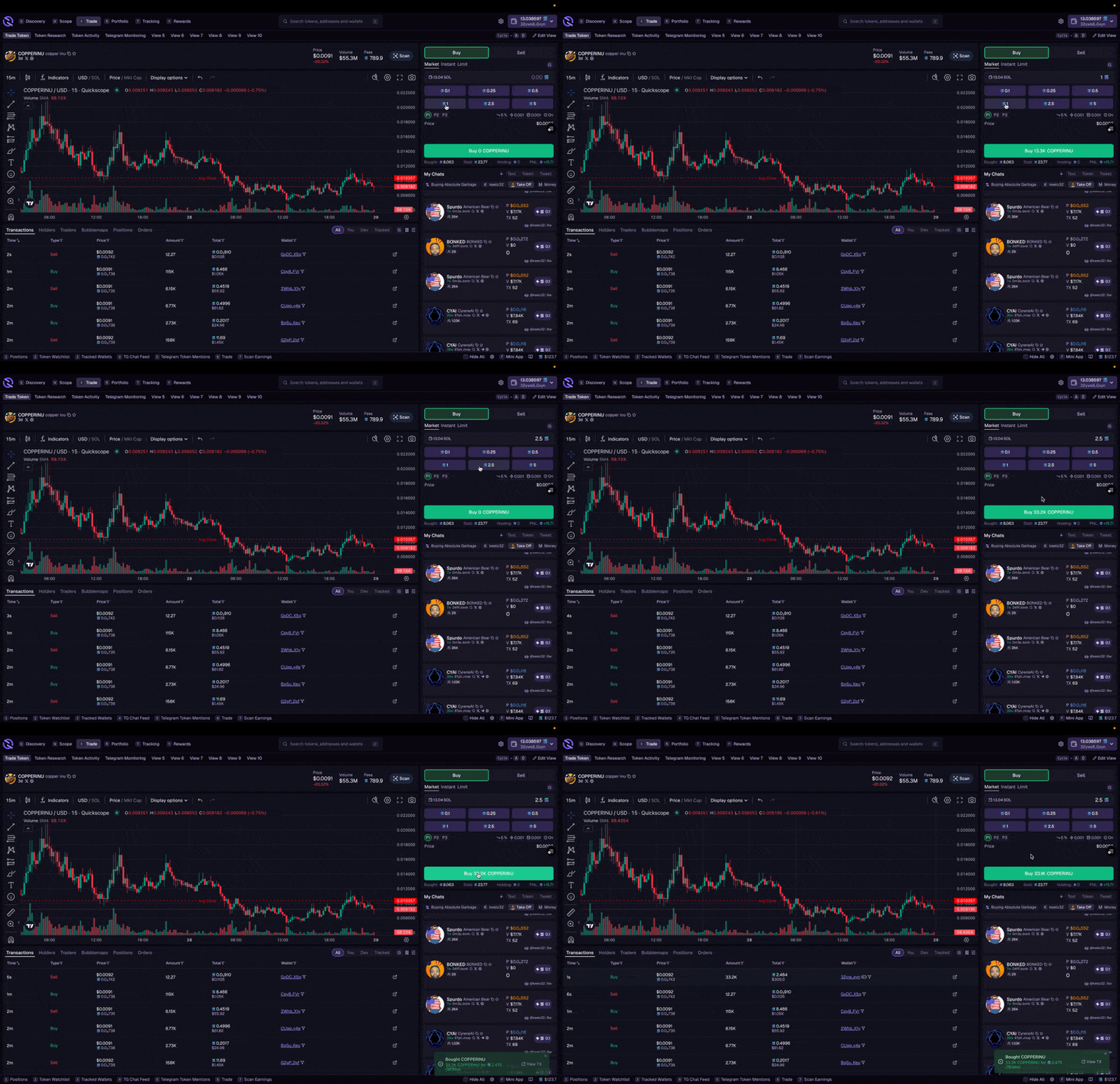
- Swapping between any token pairs (not just SOL)
- Converting between stablecoins
- Trading less liquid tokens where aggregation helps find better routes
- Desktop
- Mobile
- Navigate to the Trade tab or search for a token
- Select the Swap widget
- Choose your input and output tokens
- Enter your amount
- Review the quote and click Swap
Market orders may take slightly longer as prices are aggregated across multiple DEXs to find the best route.
Instant Orders
Instant Orders are Quickscope’s optimized trading method. The fastest way to execute trades on Solana.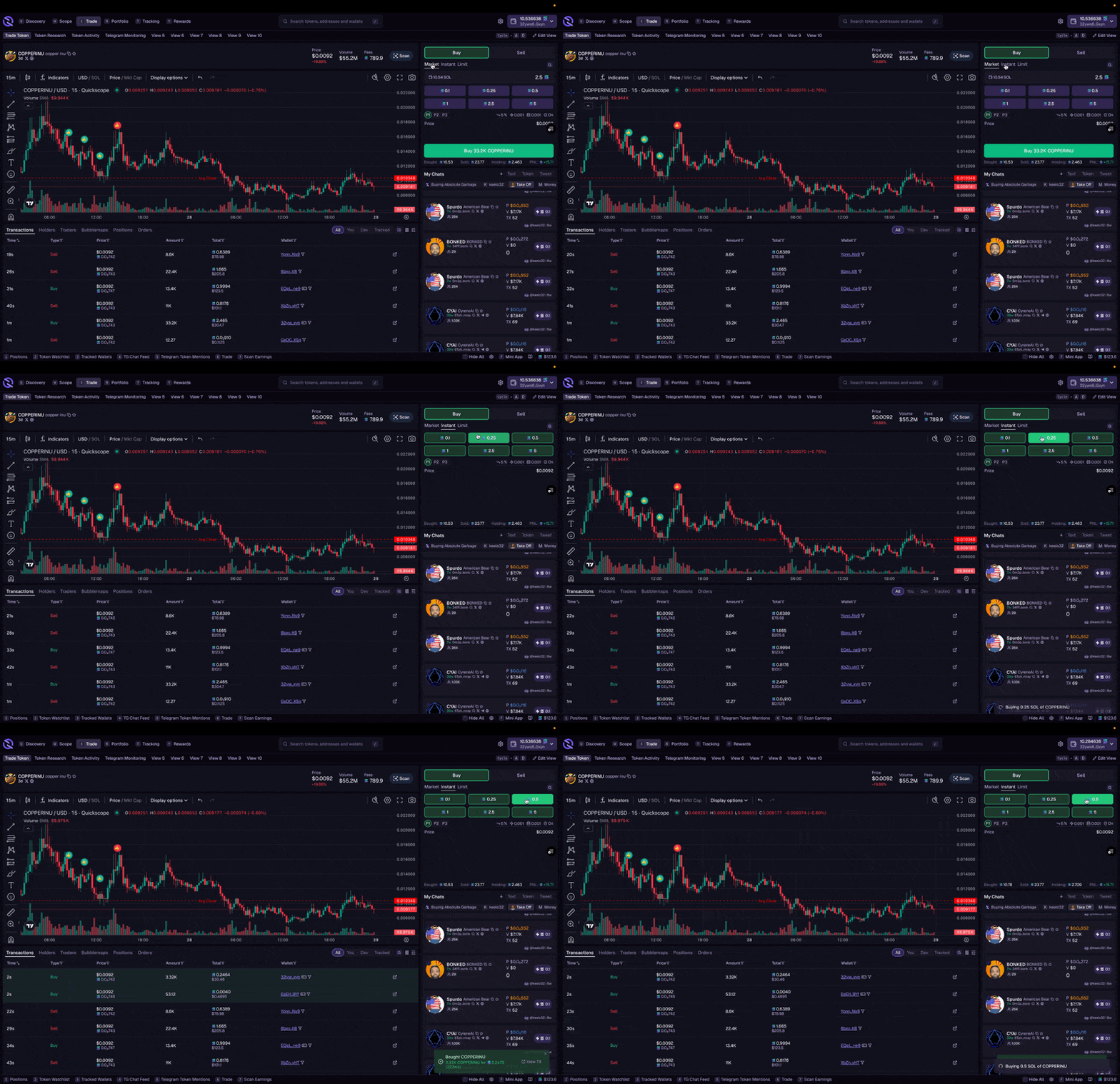
- Desktop
- Mobile
- Telegram
- Navigate to the Trade tab or search for a token
- Select the Instant Trade widget
- Enter your amount in SOL
- Choose your preset (P1, P2, or P3) for fee settings
- Click Buy or Sell
Limit Orders
Set price targets and let your trade execute automatically when the market hits your price.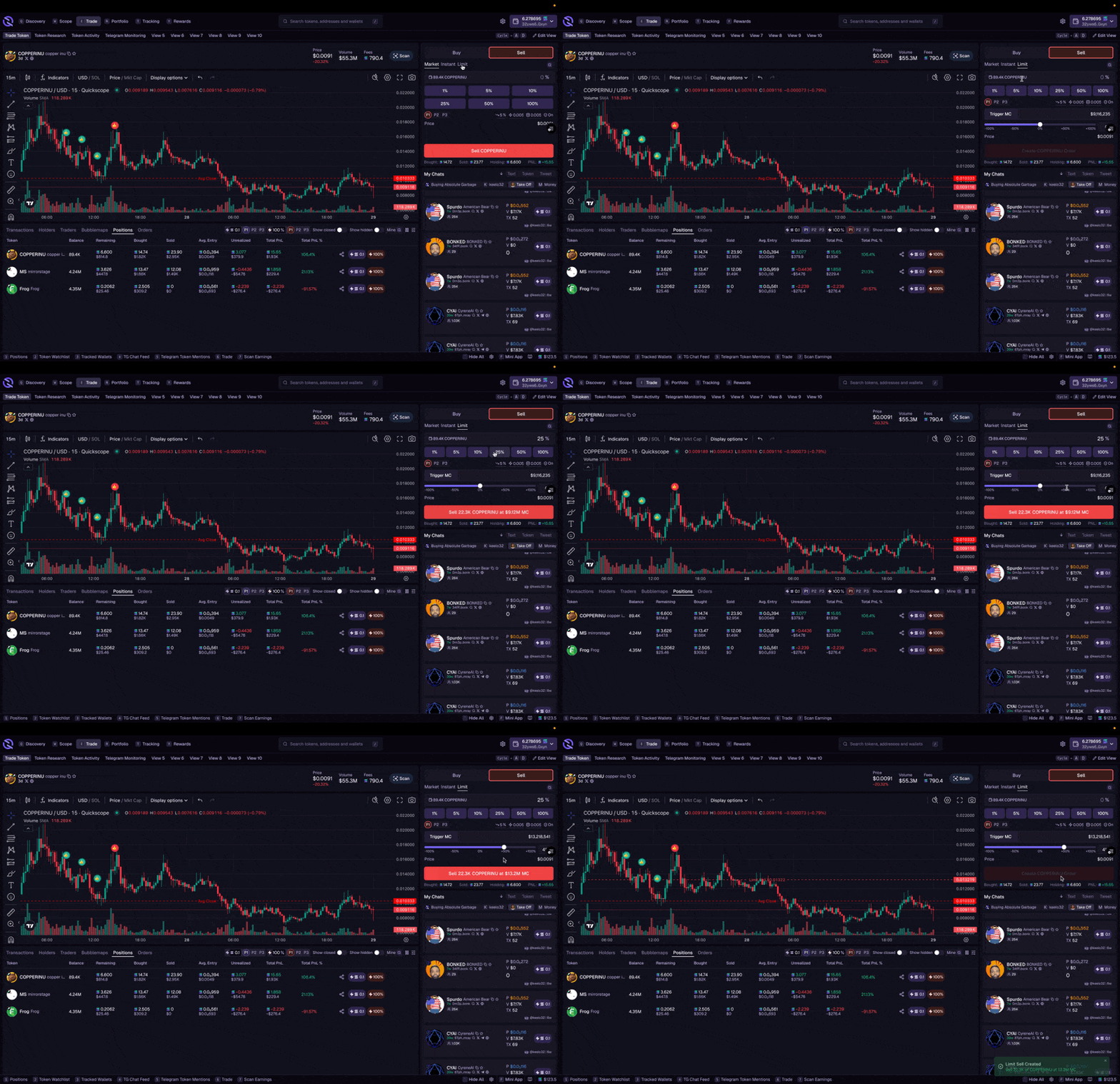
Limit Buy
Auto-buy when price drops to your target. Useful for catching dips.- Open the trade widget and switch from Market to Limit
- Set your target by:
- Dragging the slider to your desired market cap
- Manually entering a market cap or % change
- Enter your buy amount in SOL
- Click Create Order
Limit Sell
Auto-sell when price reaches your target. Use for taking profit or setting stop-losses.- Switch to Sell and select Limit
- Set your target market cap or % change (above current = take profit, below = stop loss)
- Enter amount in tokens or % of holdings
- Click Create Order
Clipboard Quick Buy
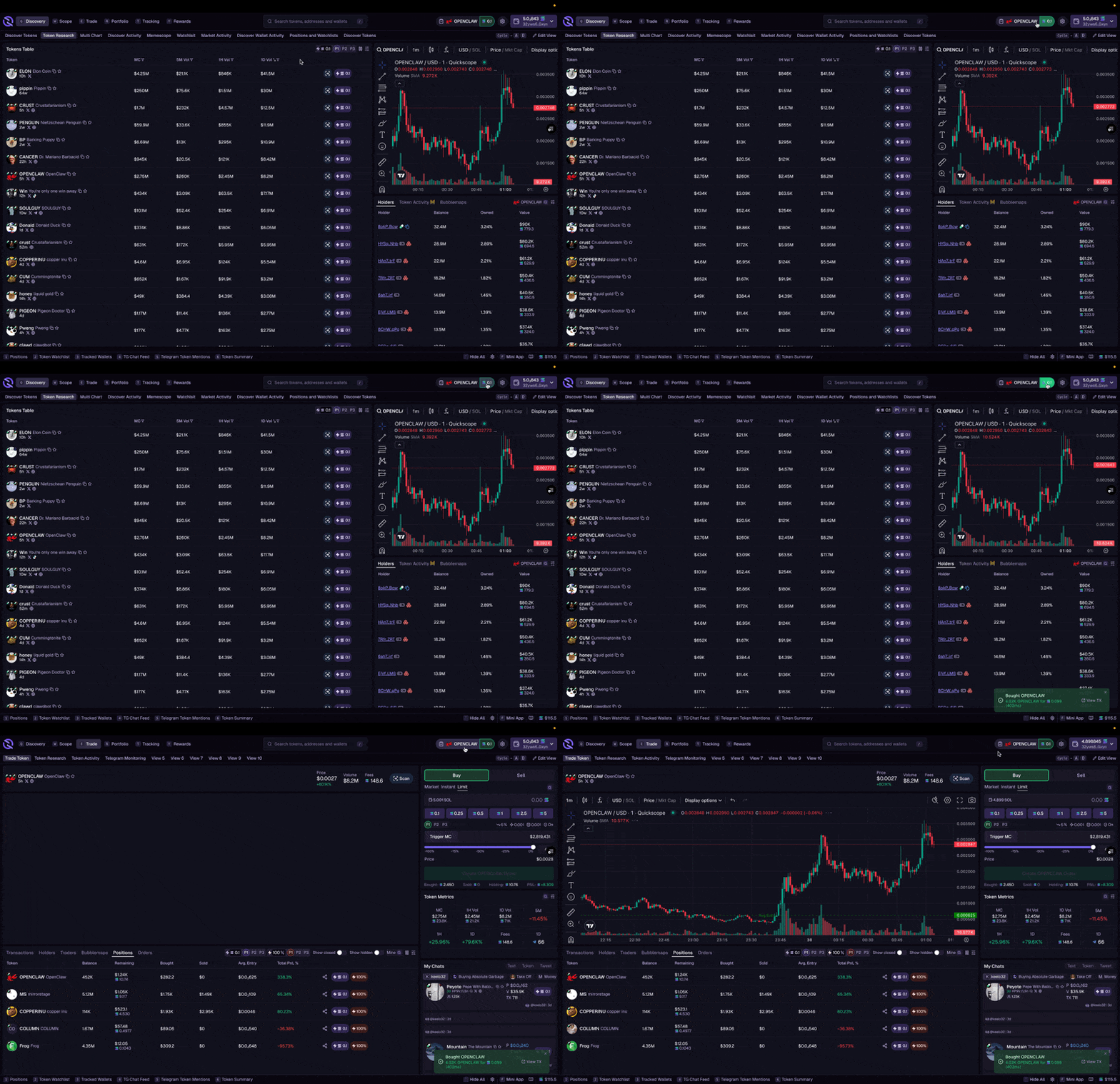
Quickscope detects token addresses in your clipboard automatically:- Copy a token contract address from anywhere (Twitter, Telegram, Discord)
- A prompt appears in the navigation bar
- Click the token name to navigate to its trade page, or
- Click Quick Buy to instantly purchase with your preset amount
Trade Settings
All trade methods use your preset settings for slippage, priority fee, and bribe.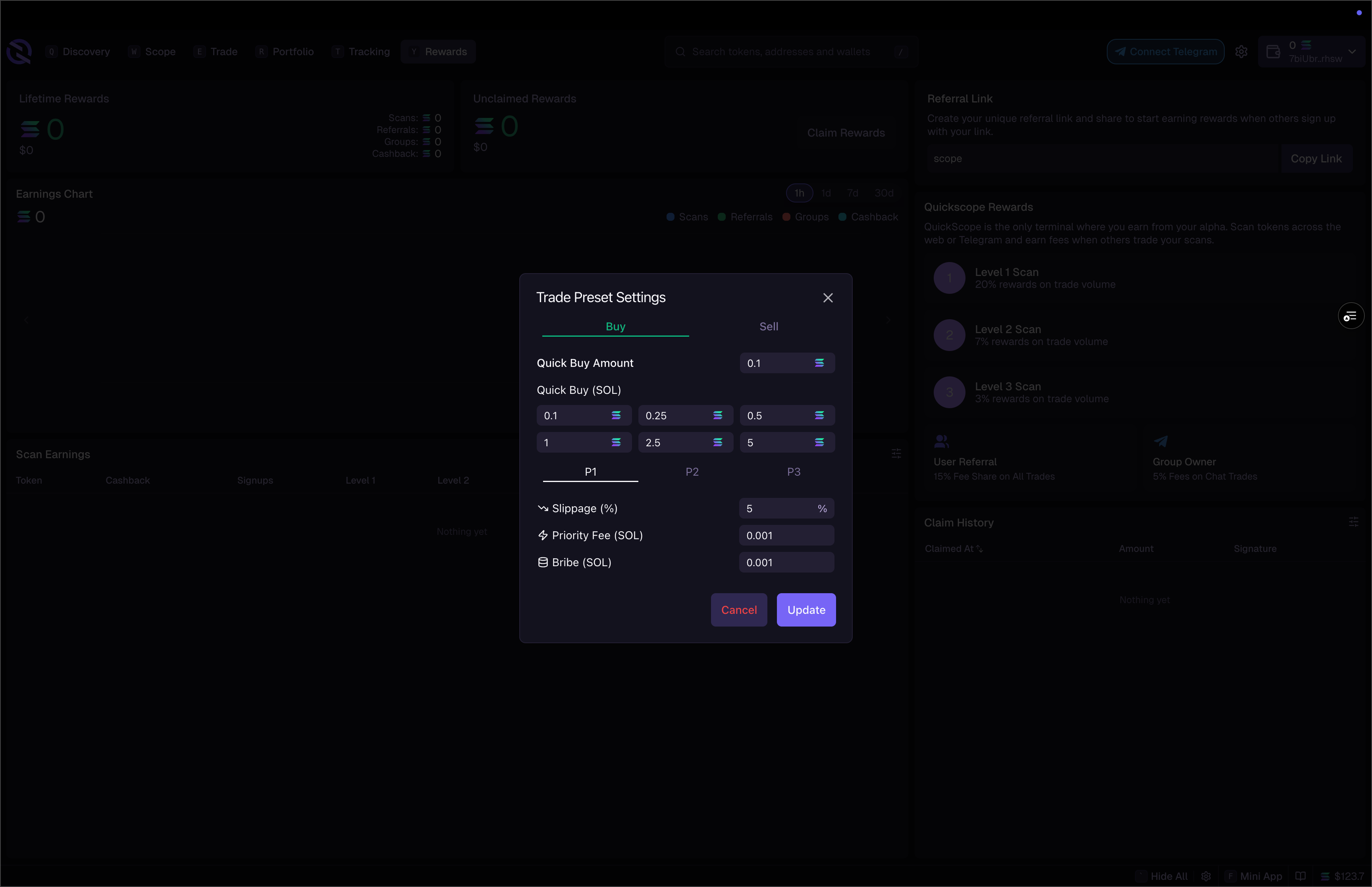
- Select presets (P1, P2, P3) from the trade widget
- Edit settings inline directly on the widget
- Configure defaults in Trading Settings
Quickdraw
For the absolute fastest execution, enable Quickdraw. Pre-signed transactions that execute the instant you click, no wallet popup required.Earn While You Trade
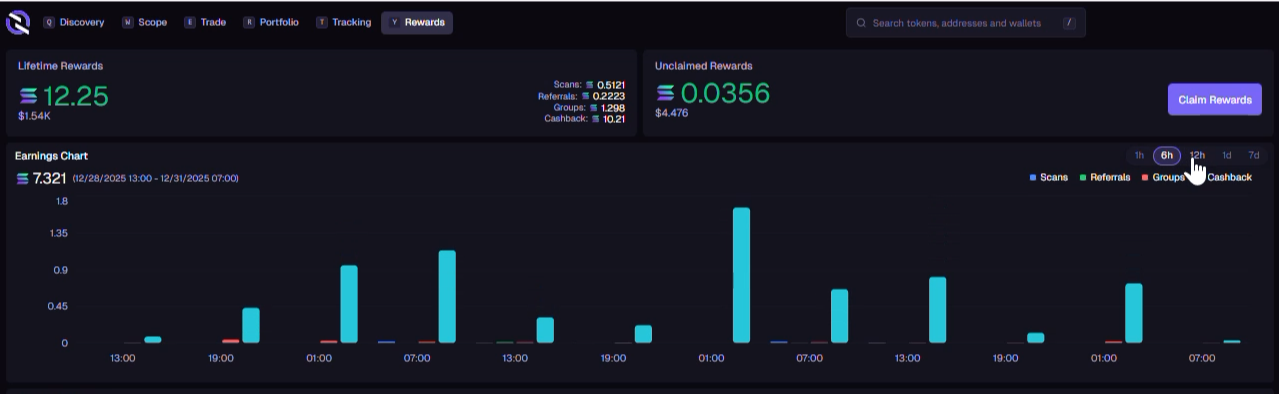
Every trade on Quickscope earns you rewards:Cashback
Up to 30% back on trading fees
Scan Rewards
Earn when others trade tokens you’ve scanned
Refer & Earn
Rewards from traders you’ve invited
Coming Soon
Quick Buy Hotkeys
Instant execution with keyboard shortcuts
Advanced Order Automation
More sophisticated order types and strategies
Multi-wallet trading is now live! Connect and manage up to 25 wallets from the Wallet Manager.