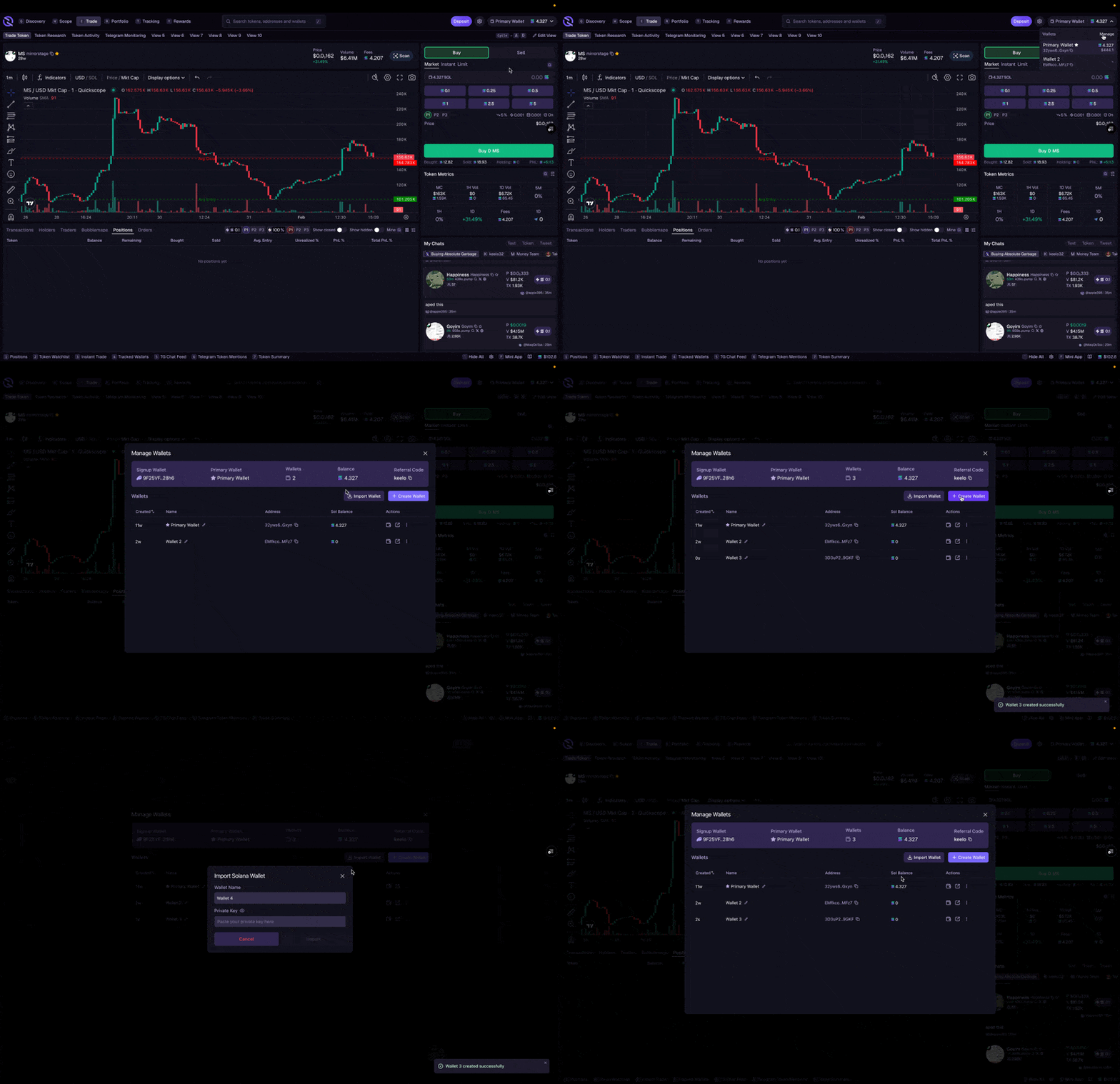
Positions Table
The Positions table shows all your current token holdings:- Token name, amount held, and current value
- Entry price and current PnL (profit/loss)
- Quick actions to trade or view details
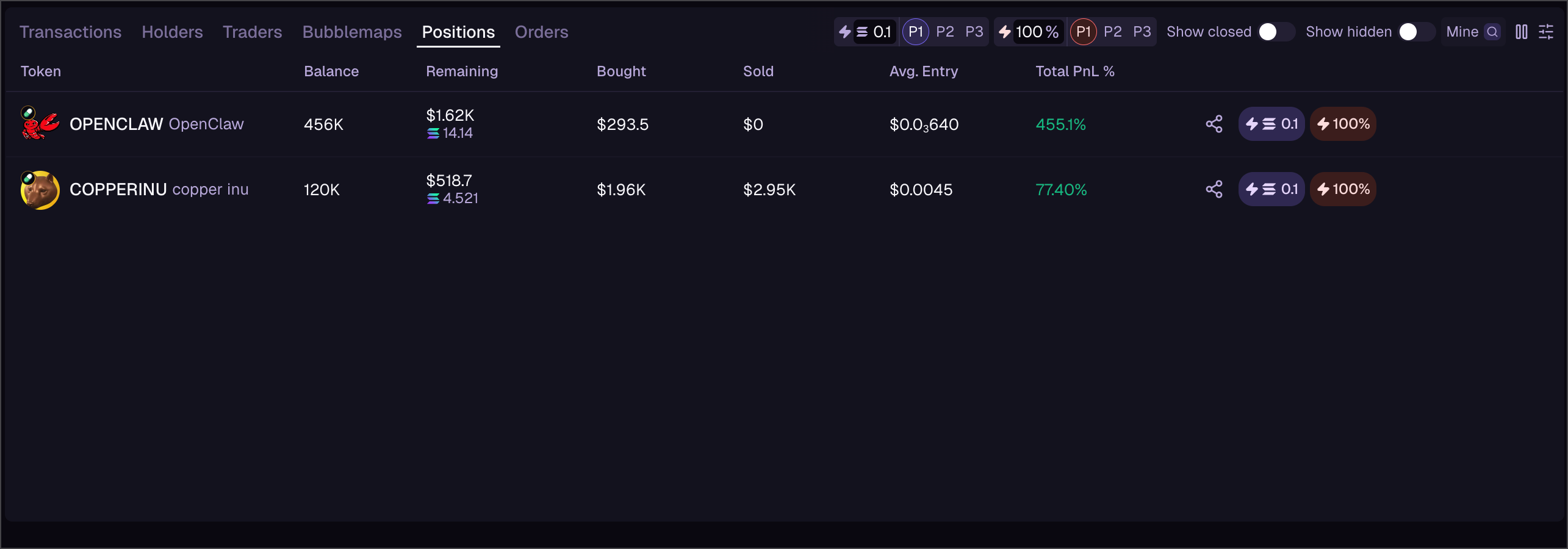
Orders Table
The Orders table shows all your limit orders:- Order type (Limit Buy / Limit Sell)
- Target price and current status
- Created time and fill progress
- Cancel button for pending orders
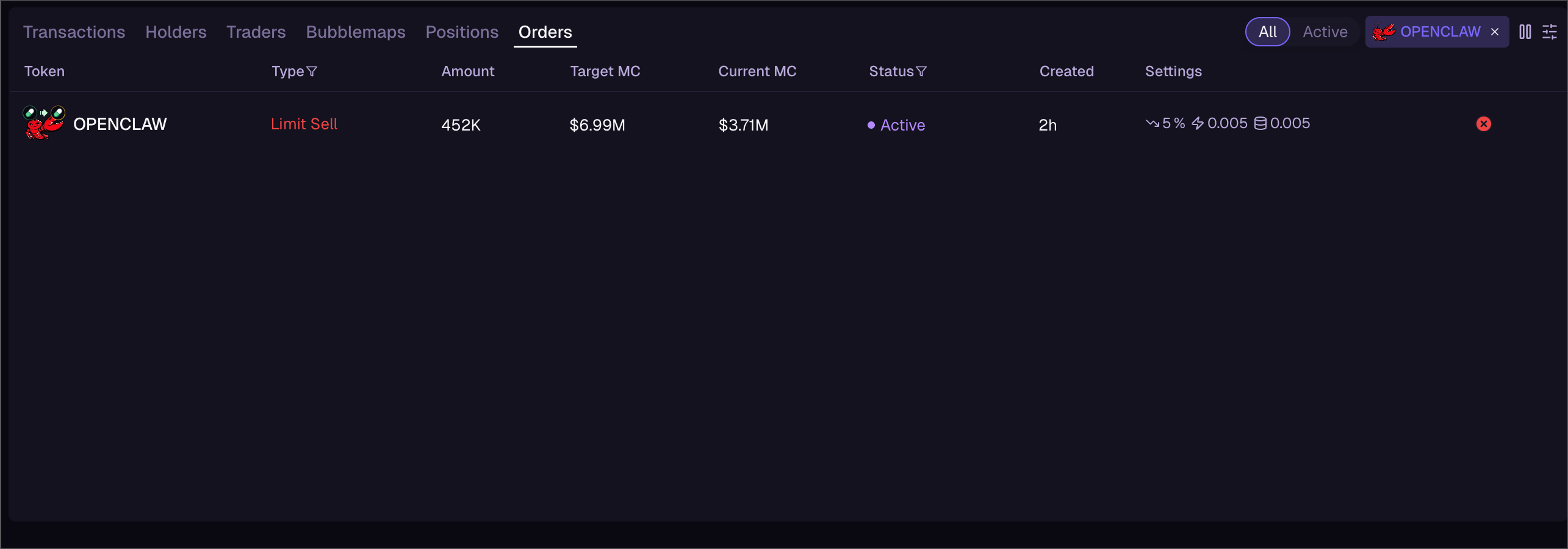
Multi-Wallet
If you have multiple wallets in your account, you can switch between them to trade from different balances:- Click your wallet address (top right)
- Select Manage Wallets or click a different wallet
- Your active wallet changes—all trades, positions, and balances update to reflect the selected wallet