> ## Documentation Index
> Fetch the complete documentation index at: https://docs.quickscope.gg/llms.txt
> Use this file to discover all available pages before exploring further.
# Rewards Overview
> Earn from your trading, scanning, and referrals on Quickscope
Quickscope lets you trade with your groups and earn together. Trade, scan tokens, refer friends, and get paid for your contributions to the community.
Earn up to 20% of fees when others trade tokens you've shared.
Get 15% back on every trade–30% with a referral code.
Earn 15% of your referrals' trading fees forever.
Earn 5% of all scan rewards generated in your group.
## Viewing Your Rewards
### On Web
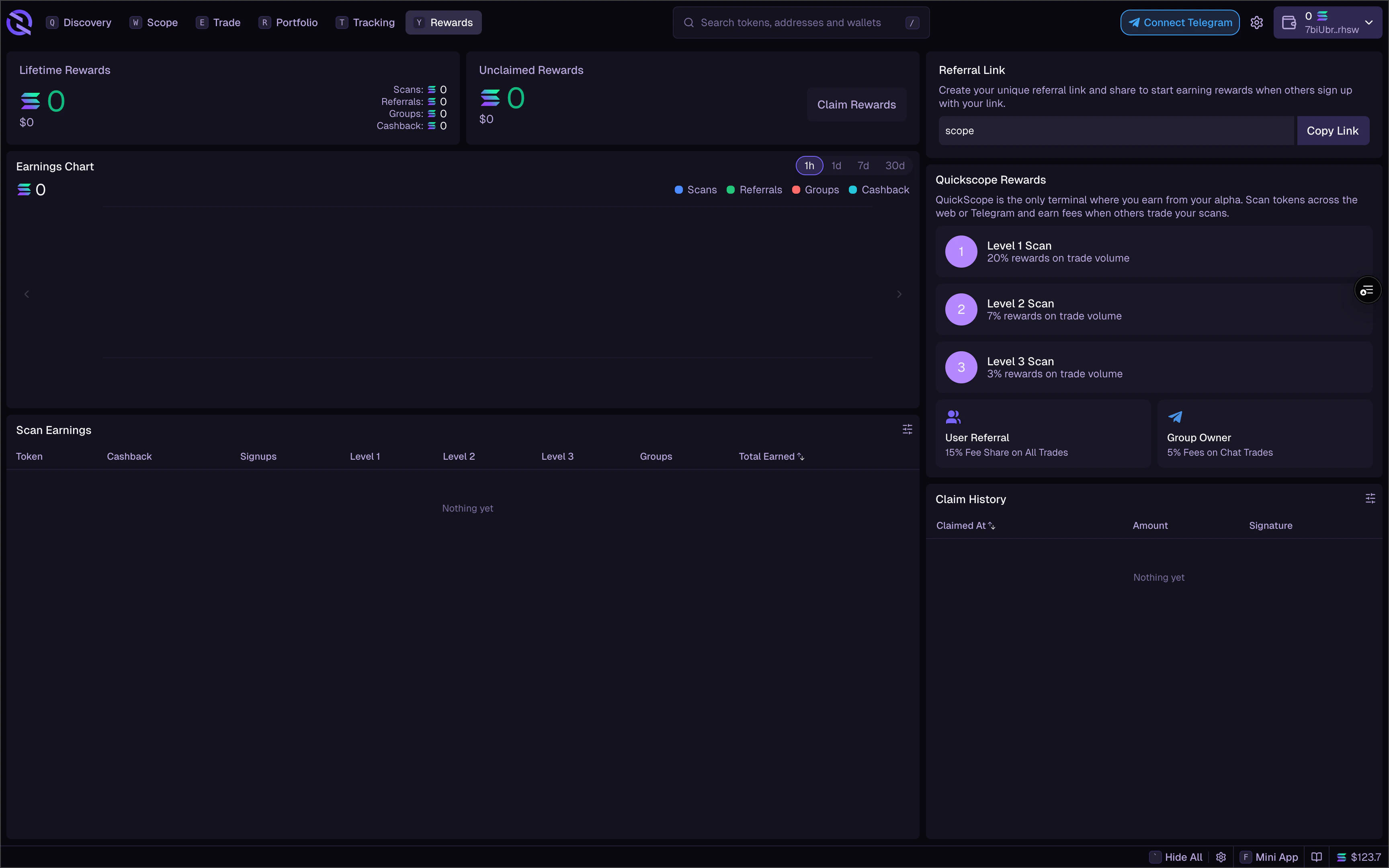
Navigate to the **Rewards** tab to see:
* **Lifetime Rewards**: Total earned with full breakdown
* **Unclaimed Rewards**: Balance ready to claim
* **Earnings Chart**: Visualize by time period (1h, 1d, 7d, 30d)
* **Scan Earnings Table**: Per-token breakdown with L1/L2/L3 detail
* **Referral Link**: Your unique link to share
* **Claim History**: Past claims with transaction signatures
 ### In Telegram
| Command | Description |
| ------- | ---------------------------- |
| `/qri` | View reward info and balance |
| `/qrc` | Claim pending rewards |
### On Mobile
Access the **Rewards** section from the menu to see your total balance, breakdown, and claim button.
## Claiming Rewards
Rewards can be claimed directly to your connected wallet.
### In Telegram
| Command | Description |
| ------- | ---------------------------- |
| `/qri` | View reward info and balance |
| `/qrc` | Claim pending rewards |
### On Mobile
Access the **Rewards** section from the menu to see your total balance, breakdown, and claim button.
## Claiming Rewards
Rewards can be claimed directly to your connected wallet.
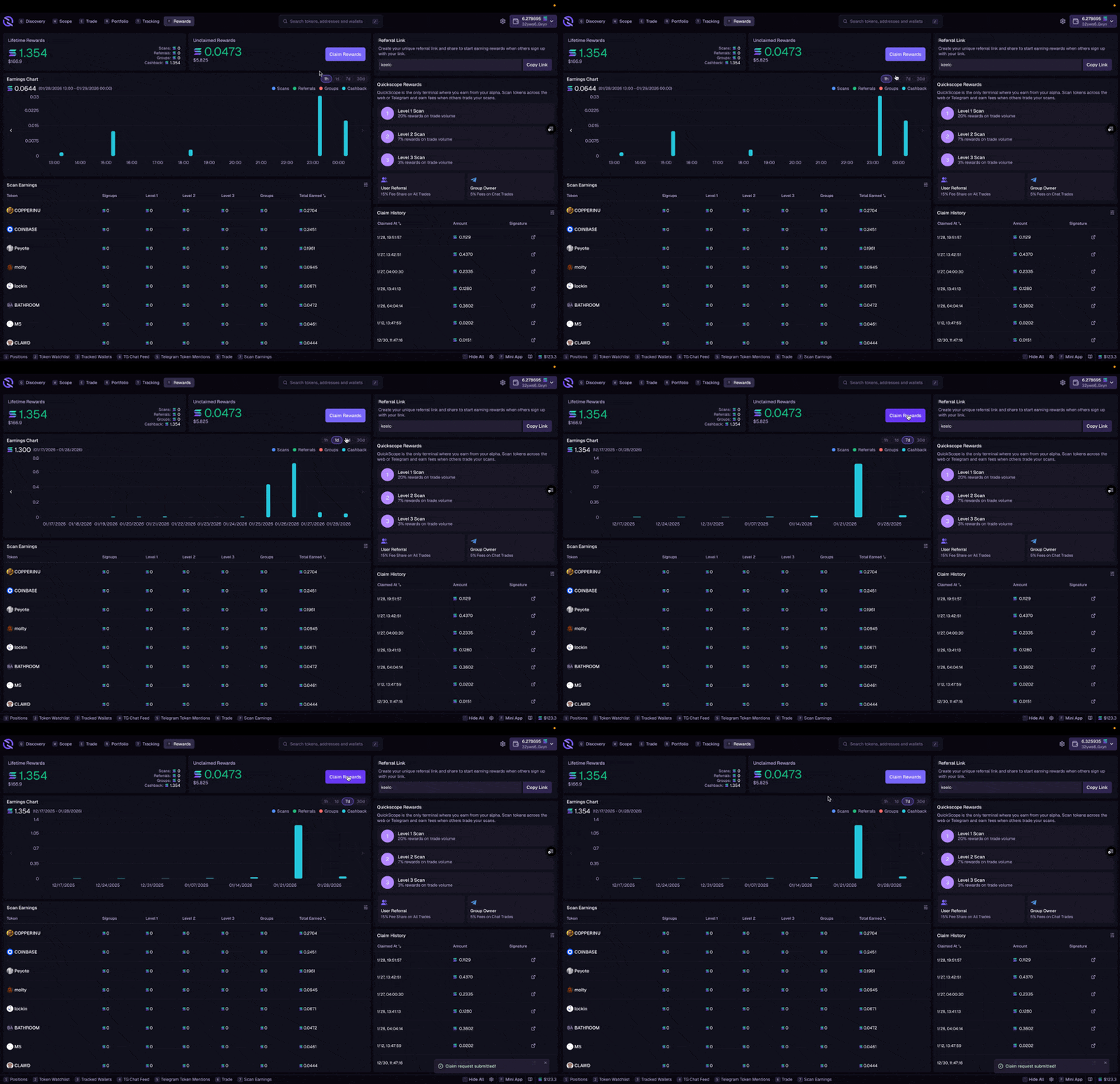 1. Go to the **Rewards** tab
2. Click **Claim** when rewards are available
3. Confirm the transaction
4. Rewards are sent to your wallet
Use `/qrc` to claim pending rewards.
1. Go to the **Rewards** tab
2. Click **Claim** when rewards are available
3. Confirm the transaction
4. Rewards are sent to your wallet
Use `/qrc` to claim pending rewards.