> ## Documentation Index
> Fetch the complete documentation index at: https://docs.quickscope.gg/llms.txt
> Use this file to discover all available pages before exploring further.
# PNL Cards
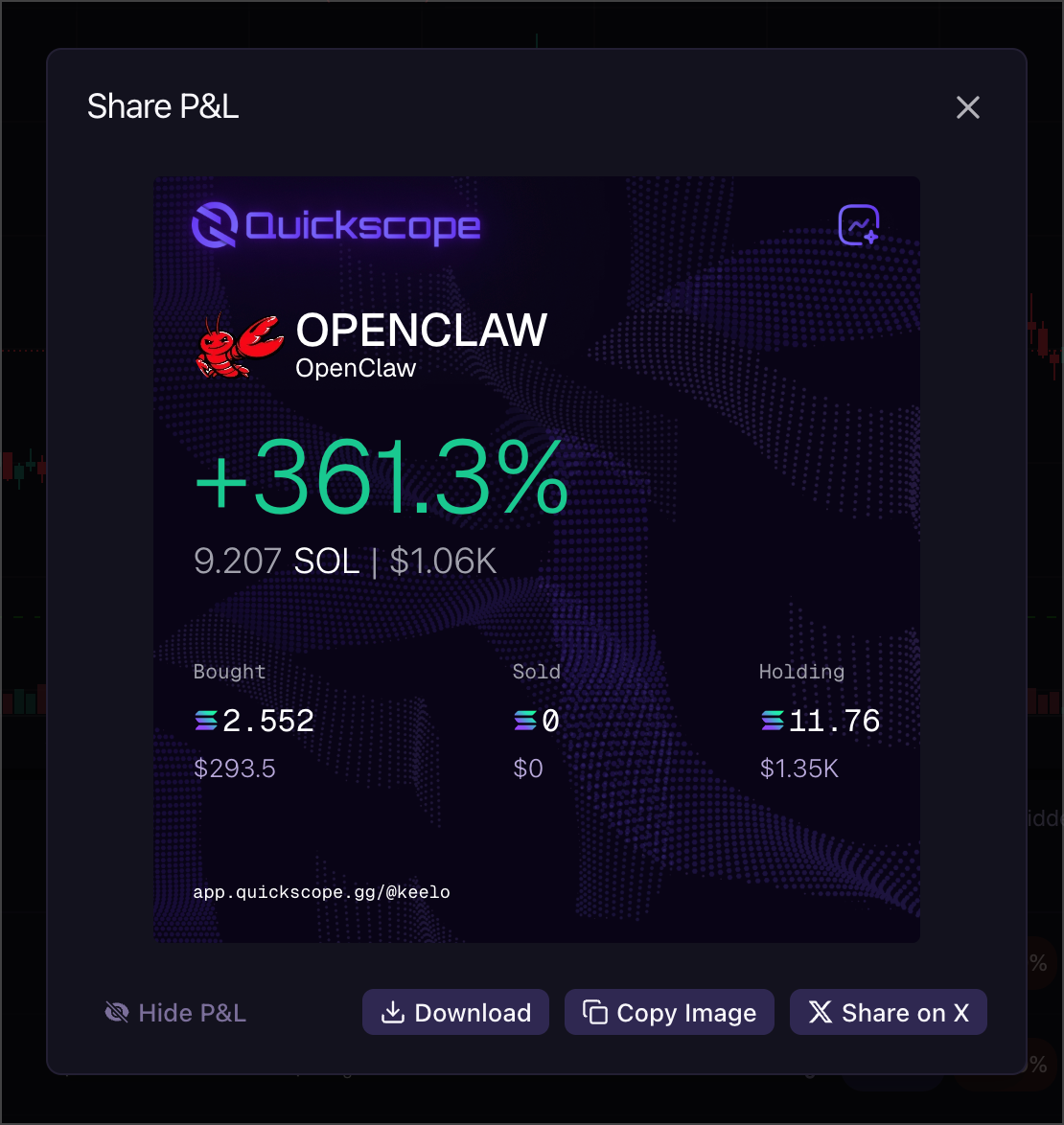
> Create shareable images showing your position performance. Perfect for sharing wins on social media.
### Creating a Share Card
1. In your **Positions** table, find the token you want to share
2. Click the **share icon** on that row
3. A modal opens with your PNL card preview
### Customizing Your Card
The share card modal lets you:
* **Toggle value visibility**: Show just the % change, or include the actual position value
* **Choose card style**: Select between different card layouts
* **Preview before sharing**: See exactly how your card will look
### Sharing Options
Once your card looks right:
* **Download**: Save the image to your device
* **Copy**: Copy the image to clipboard for quick pasting
* **Share directly**: Post to connected social accounts
Share cards show your actual PNL data. Only share what you're comfortable making public.